
(719) 928-2000[email protected]
spotlytora
Presenter coaching for adultsspotlytora

Speak clearly on camera, and sound like yourself reading a script

Individual sessions and team workshops for adults who record business videos or host live streams, covering delivery, pacing, eyeline, teleprompter practice and rehearsal routines.

ContactCurriculum
Speak clearly on camera, and sound like yourself reading a script
Speak clearly on camera, with confidence
Who it helps

A course for people who present without being presenters

Most of our learners are not broadcasters. They run a business, lead a team or look after training, and they have been asked to appear on video. The course helps them feel at ease and sound natural.

Recording business videos

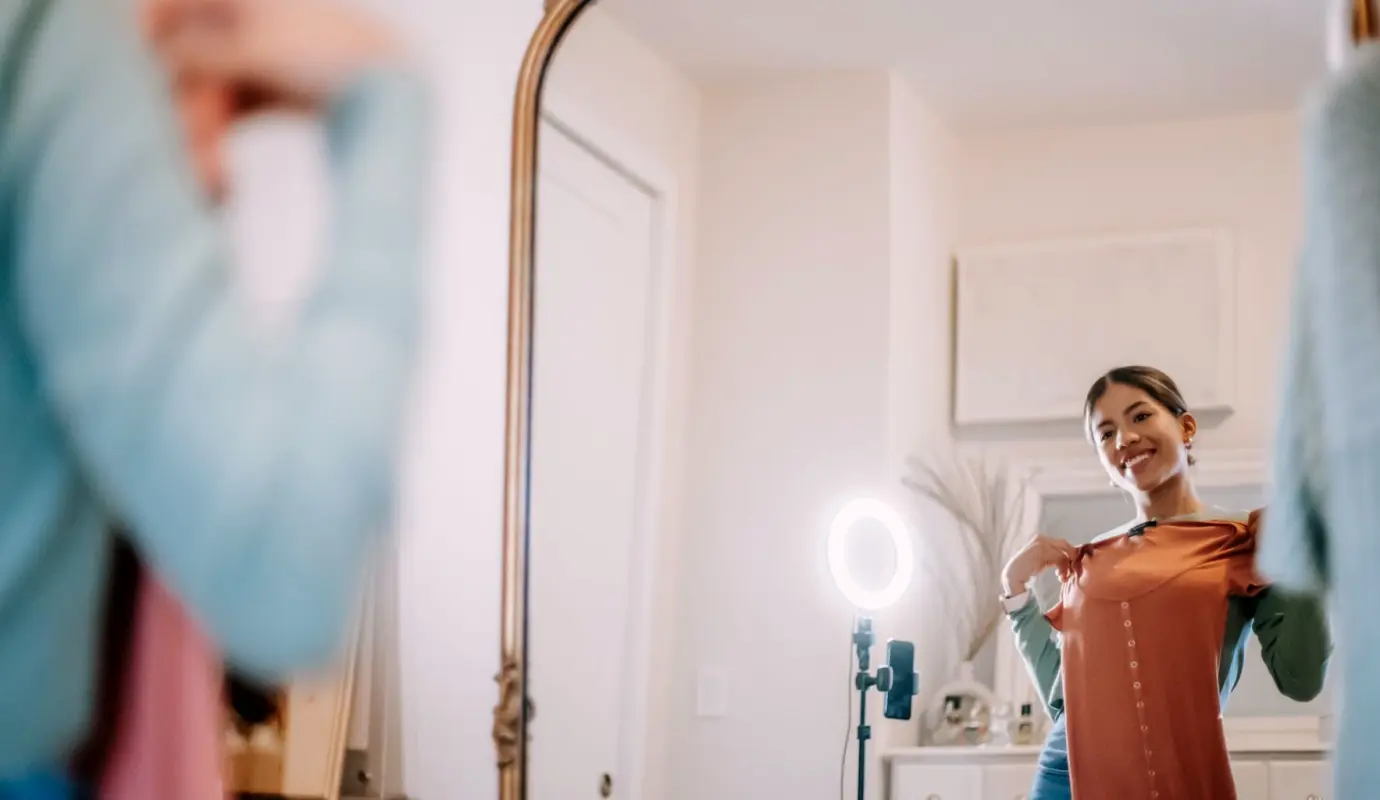
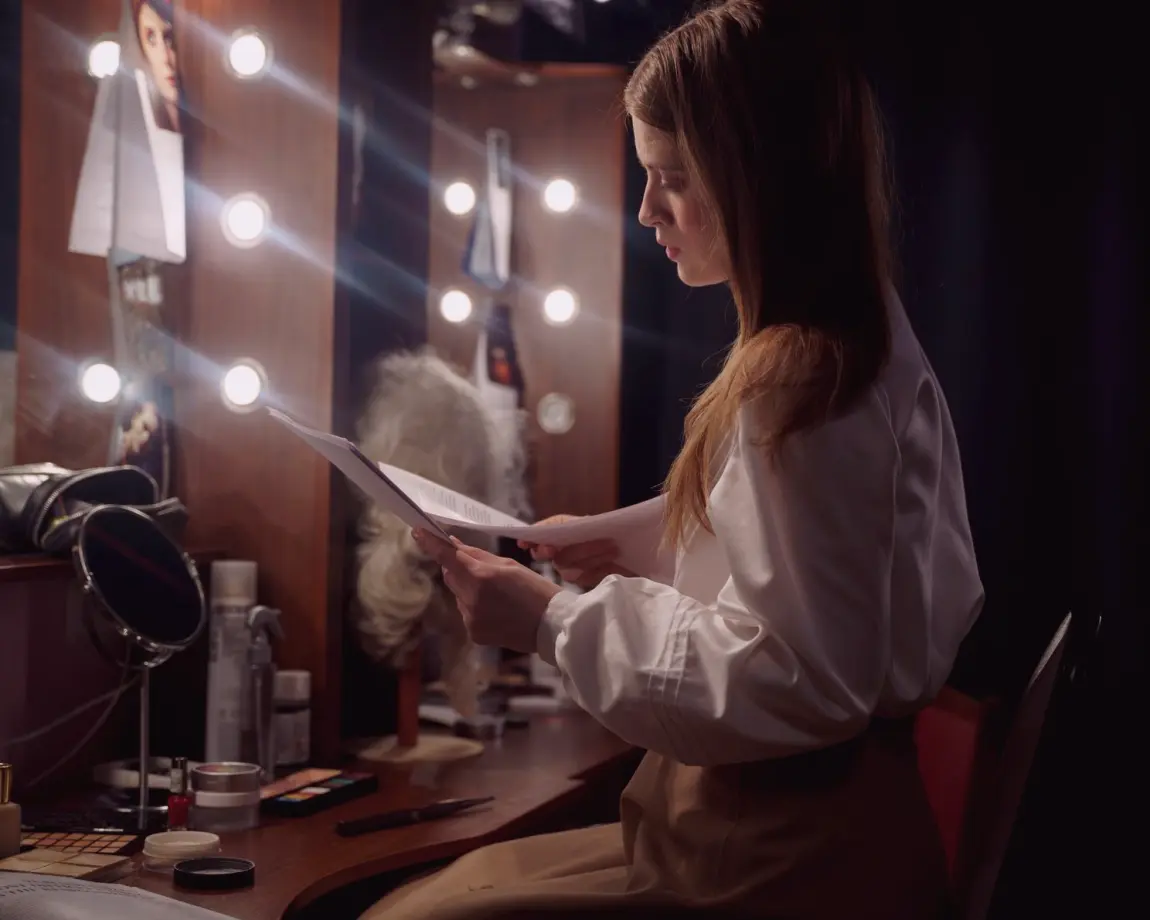
If you record product updates, training clips or messages to clients, you already know how hard it is to read a script and still sound like a person. We work on pace, pauses and emphasis so the words land the way you mean them. You leave each session with notes on what to repeat and what to drop. No broadcasting background is needed, only a script you are willing to practise.
Hosting live streams

Live streams give you no second take, so the habits you build beforehand matter. We look at how you open, how you recover from a slip and how you keep your eyes on the lens while following a running order. Daniel teaches the live stream habits that regional businesses rely on. You practise them in short, repeatable exercises that fit around a working week.

Teams who present together

Colleagues who record training videos or run webinars often develop different habits and different worries. Our half-day team workshops give everyone the same vocabulary for delivery, eyeline and rehearsal. Priya designs the exercises so quieter members get as much practice as confident ones. Each person takes home a practice pack to keep working with after the session.

Learning path

Six modules that build from script to screen

The curriculum starts with how you read and speak from a script, moves through teleprompter work and eyeline, then covers your opening thirty seconds and a rehearsal routine you can repeat. Team workshops bring the same material to colleagues together.

Six modules that build from script to screen
  • Script Delivery and Pacing

    Learn to read and speak from a script naturally, with steady pace, clear pauses and emphasis on key points.

  • Teleprompter Practice

    Practise scrolling-script reading, setting speed and keeping your eyes on the lens without looking stiff.

  • Eyeline and Camera Presence

    Work on where to look, posture and framing so you come across as engaged and relaxed on recorded video.

  • Introductions and Openings

    Build strong first thirty seconds for videos and live streams, from greeting to the first key message.

  • Rehearsal Routines

    Create a simple warm-up and run-through routine you can repeat before every recording or broadcast.

  • Team Workshops

    Half-day group sessions for colleagues who record training videos or host webinars together.

Not sure where to begin? Tell us what you record or broadcast and how often, and we will suggest which modules to start with and in what order.

Curriculum
How learning works

From first conversation to a routine you keep

Each learner follows the same simple path, whether they book individual sessions or a team workshop. Feedback and practice materials are shared after every session, so the work continues between meetings and nothing depends on remembering what was said.

  1. Tell us what you record

    You send a short note about the videos or streams you make, who watches them and what feels difficult. We read it before the first session so the time is spent practising rather than explaining.

  2. Read and speak from a script

    In the first session you read a real script aloud. We listen for pace, pauses and emphasis, and try small changes one at a time until the delivery sounds like you talking.

  3. Practise with camera and prompter

    You move to the camera and, where useful, the teleprompter. We set the scroll speed together and work on keeping your eyes on the lens without looking stiff.

  4. Build your opening

    We shape the first thirty seconds of a video or stream, from greeting to your first key message, and rehearse it until it feels easy to say.

  5. Take a routine away

    You finish with a warm-up and run-through routine for before each recording. Feedback and practice materials arrive after the session so you can repeat the exercises on your own.

Get in touch